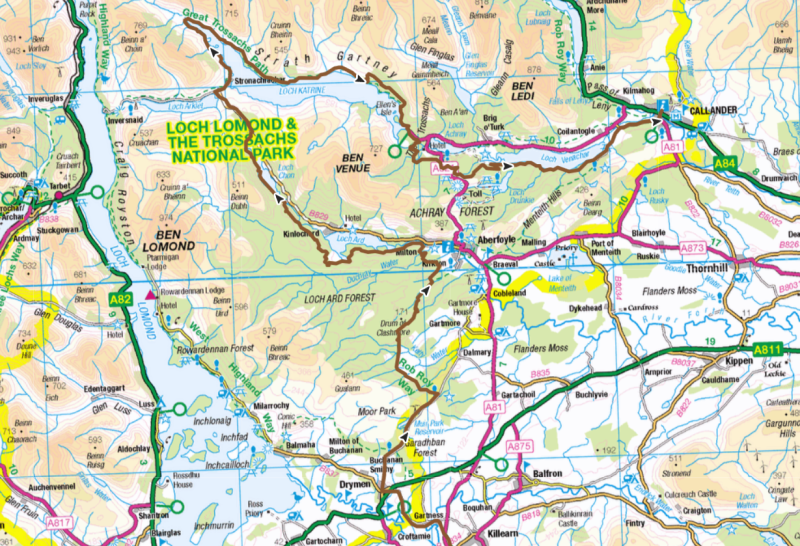
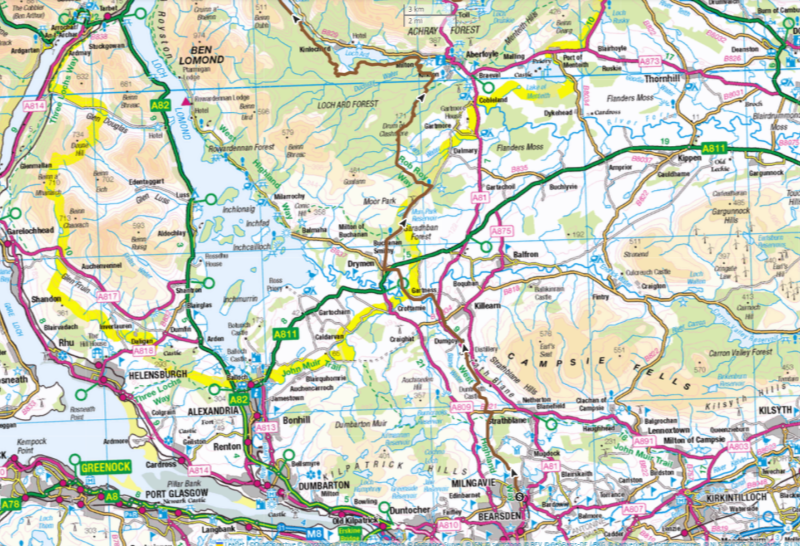
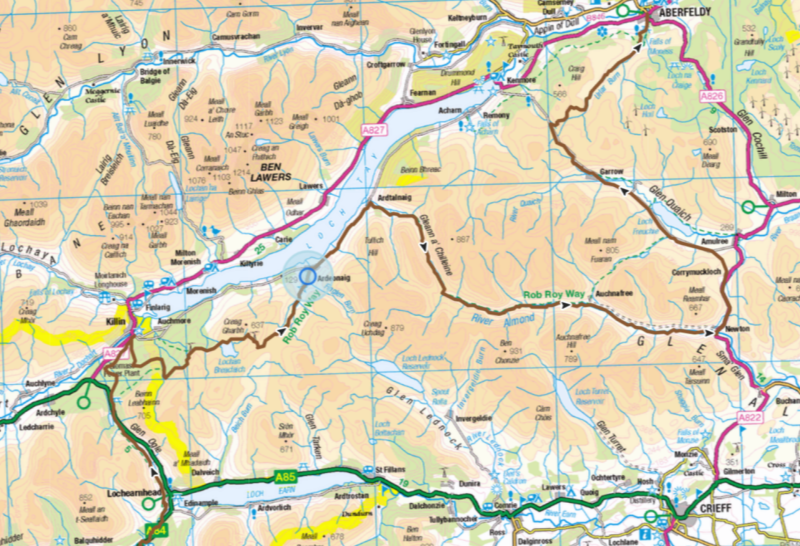
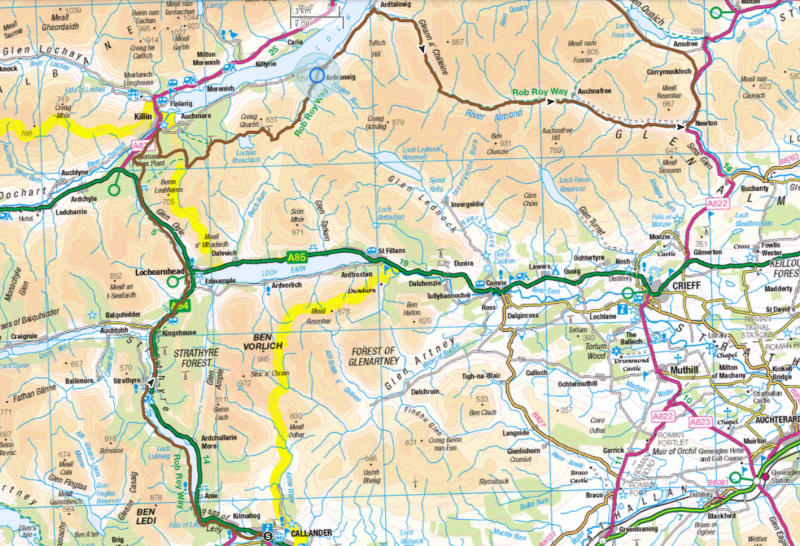
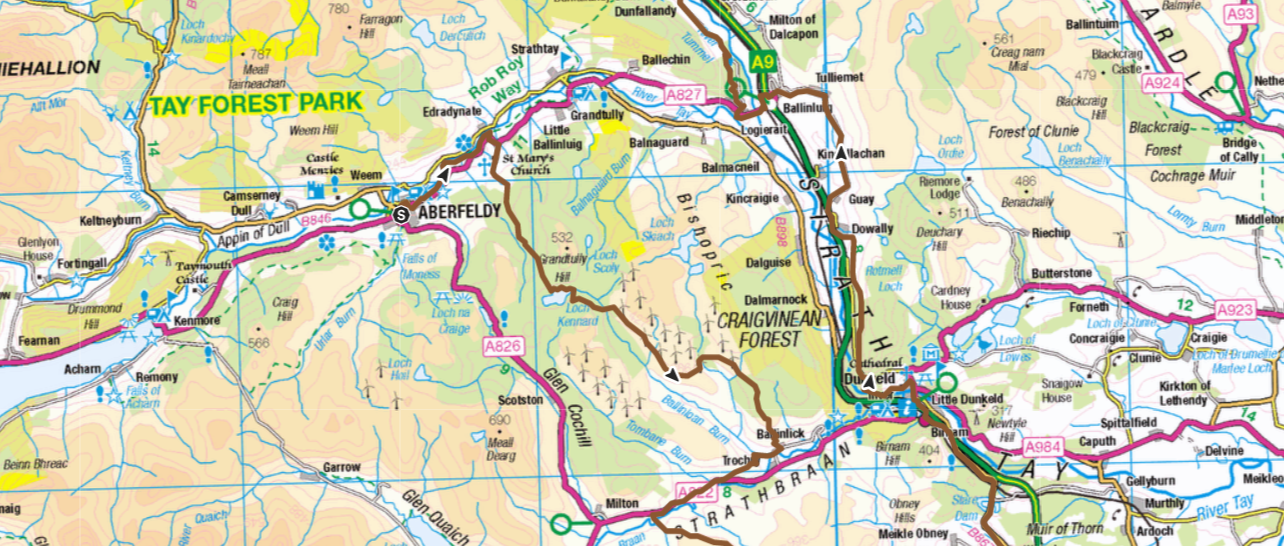
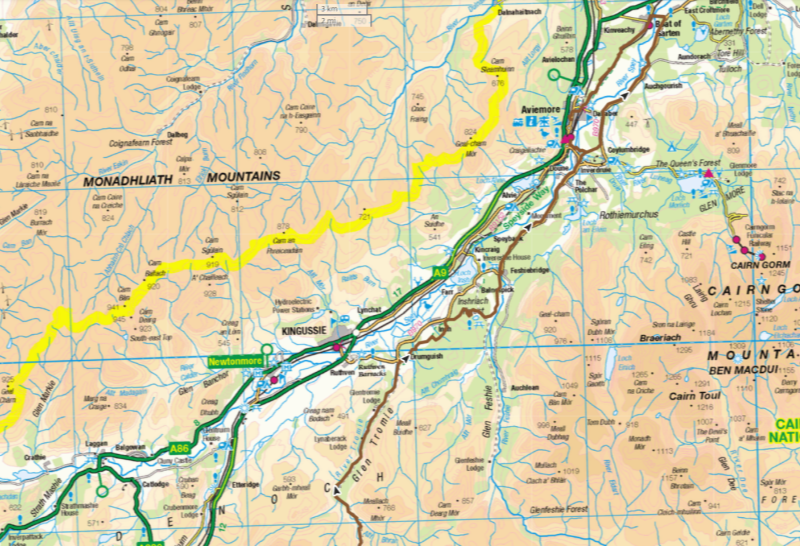
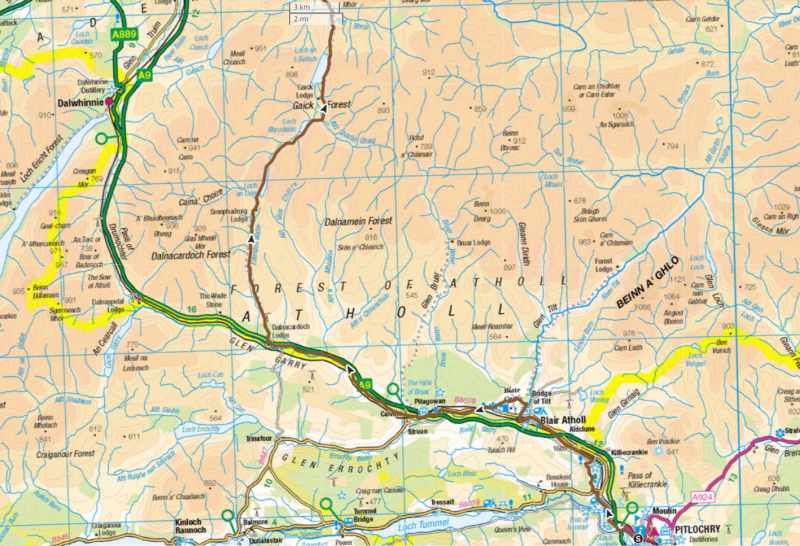
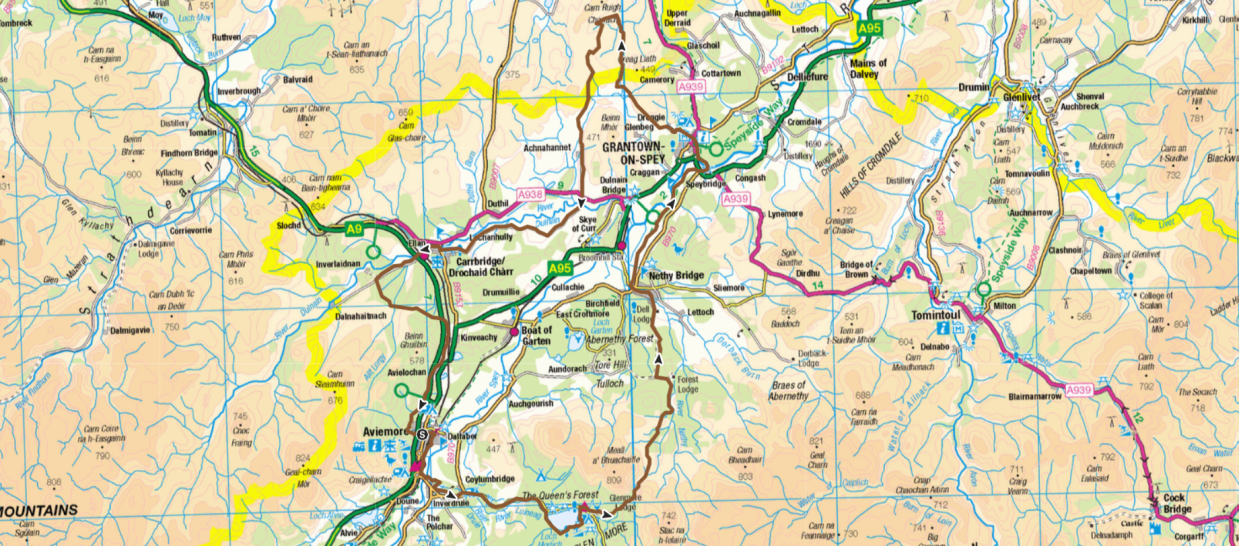
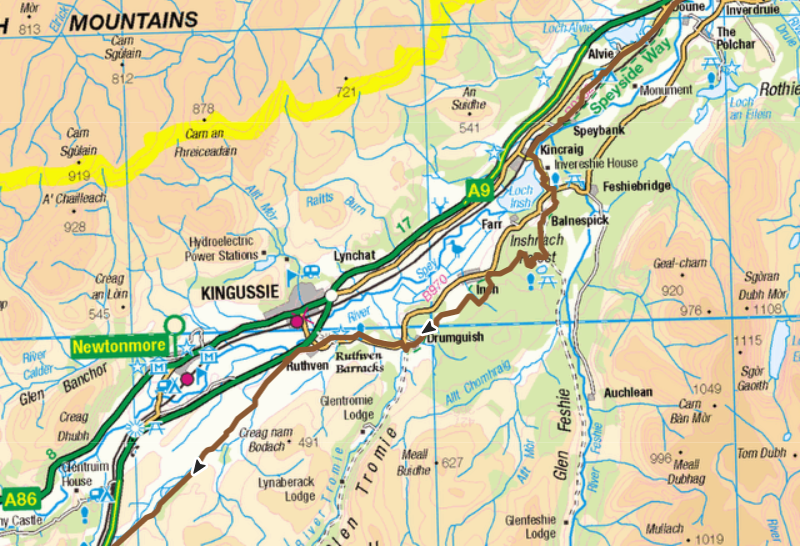
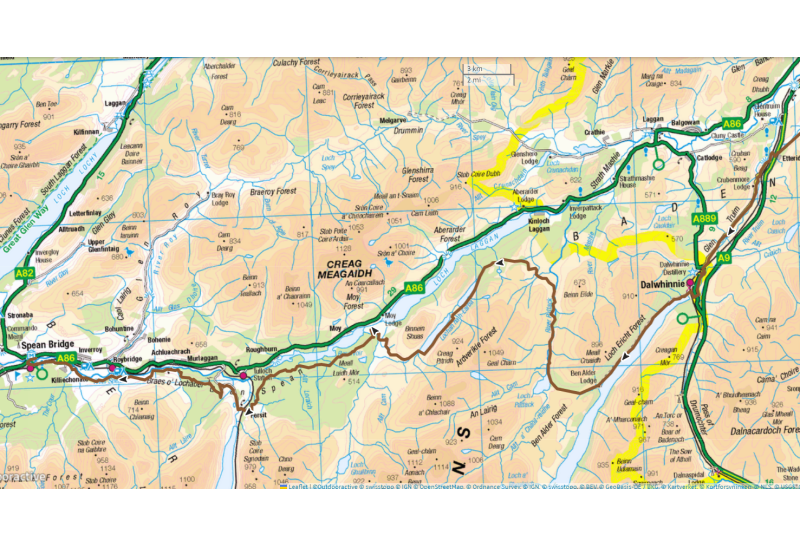
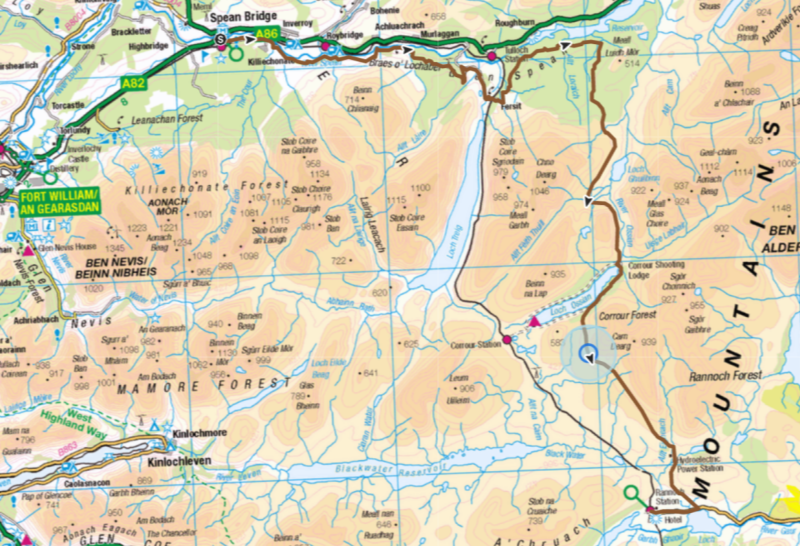
The following KMZ file can be downloaded and used in Google Earth to provide a fly-through of each day’s route. To do this:
1. Download the file.
2. Open Google Earth (this can be downloaded here Google Earth)
3. Launch Google Earth and load the file using File Open.
4. The KMZ file will appear in the left sidebar.
5. Ensure the tick box to the left of the text is checked and expand the layers using the arrow to the left of “Scotland Gravel 2023.kmz”
6. Double click on the text “Day X Fly-Through” for the relevant day.
This should run the fly-through.